Automatic Expense Categorization: How It Works and Why It Matters
Learn how expense categories can be assigned with merchant rules, receipt details, or machine learning, and how to review incorrect results.

Andrei Popescu
FinTech Product Analyst & Personal Finance Technologist
Automatic Expense Categorization: How It Works and Why It Matters
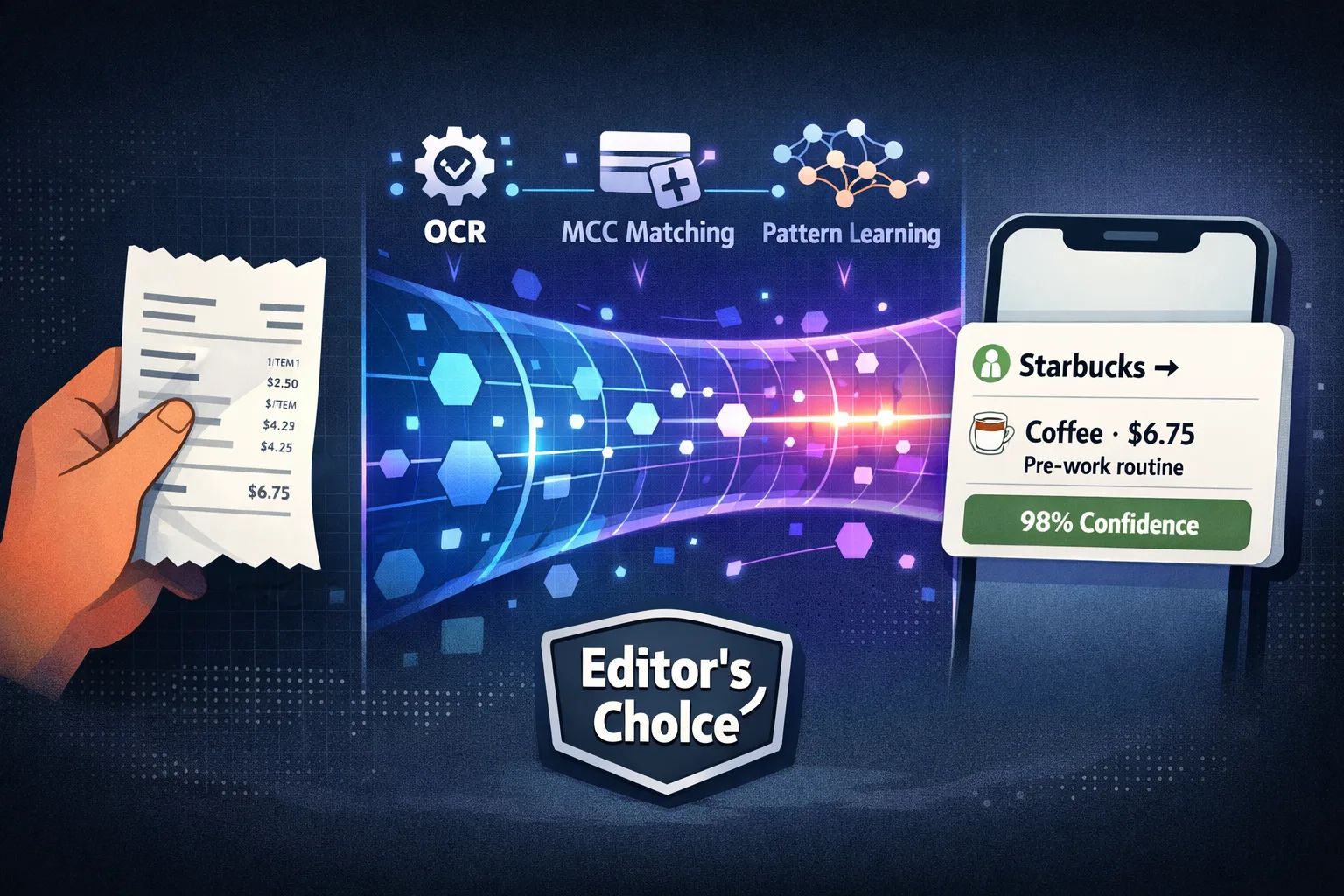
Automatic expense categorization assigns a purchase or receipt item to a spending category using available details such as its merchant, description, or receipt data. It can reduce manual sorting, but the result still needs review when the category matters to your records. There is no single accuracy figure that applies across apps, merchants, receipt formats, and category systems.
What an expense category does
A category groups records so you can review spending by type, such as groceries, transport, or office supplies. The right category depends on the purchase and on how you use your records. An expense tracker may categorize a whole transaction, individual receipt items, or both.
For example, a receipt from a general retailer may contain groceries and household supplies. A merchant-only rule can assign one category to the whole purchase, while receipt item data may let an app separate the products. The more detailed method depends on the receipt being read correctly and the app supporting item-level categorization.
Information
Automatic sorting can reduce repetitive work, but the available rules, editing tools, and review steps vary by product. Check the workflow with your own examples.
Common ways apps assign categories
Merchant or description rules
An app can match a merchant name or transaction description to a saved category. This approach is simple, but a merchant can sell different types of products and names may vary across records. Some products let users create or edit rules; confirm that feature before you rely on it.
Receipt item details
Receipt OCR can extract line items and amounts. A categorization step can then assign categories to individual items or to the purchase as a whole. OCR and categorization are separate tasks: an item can be read correctly but still receive the wrong category.
Machine-learning or language-model suggestions
Some apps use models to interpret merchant and item descriptions in context. The available context, model, and fallback behavior vary by product. An automated suggestion is not proof that the category is correct for your bookkeeping or budget.
How Yomio categorizes receipt items
Yomio's receipt workflow uses Azure Document Intelligence's prebuilt receipt model to extract receipt fields and line items. The expense creation workflow can use an AI categorization step for extracted items; if categorization fails or no category is returned, an item can remain in “Other.” Users can review and edit item categories in the app. Microsoft documents the fields returned by its receipt model.
Yomio does not currently synchronize transactions from bank accounts. Its category workflow applies to expenses entered manually or created from receipt scans.
How to check a categorization feature
- Choose the categories your team or household needs and define what each one means.
- Test the app with examples from your actual merchants and receipt types.
- Check whole-purchase categories and item-level categories separately.
- Record missing categories, wrong assignments, and cases that require manual correction.
- Confirm whether corrections affect only that record or change future suggestions.
- Review exports to make sure the category field appears in the format your workflow needs.
When comparing products, ask how the app handles ambiguous records and whether it lets you correct a category before export. Do not compare accuracy percentages unless the test set, category definitions, and evaluation method are clear.
Interactive Simulator
Smart vs. Simple Categorization: See the Difference
Rate 8 real-world transactions. See how smart auto-categorization outperforms basic category matching — and how many hours it saves you per year.
Uber
$24.50
Trader Joe's
$87.32
Netflix
$15.99
Starbucks
$6.75
Amazon
$43.00
CVS Pharmacy
$31.20
Planet Fitness
$24.99
Shell
$68.00
0 / 8 transactions rated
Information
An accuracy percentage needs a defined test set and method. Ask which receipts, categories, merchants, and corrections were counted before comparing products.
Keep category lists useful
Use categories that answer questions you actually ask. Too many narrow labels can make review harder, while broad labels can hide differences that matter. Start with a manageable list, check whether uncategorized or “Other” items accumulate, and adjust the list when the reports do not answer your needs.
For business records, use categories that match your bookkeeping system and confirm any reporting requirements with your accountant. Expense software can organize records, but it does not decide whether a purchase is deductible or otherwise eligible under tax law.
Information
Changing one category may update only that record. Check the app documentation before assuming a correction will change future suggestions.
Common categorization problems
- One merchant sells many things: A merchant-only category may not describe every item on a mixed receipt.
- The description is unclear: Abbreviations or shortened merchant names can make a category ambiguous.
- The receipt is incomplete: A missing or misread line item can affect the category suggestion.
- The category list does not fit: The app may have no suitable label and place the record in “Other.”
- A rule becomes outdated: A saved merchant rule may no longer match how you want to group a purchase.
Review unusual records and correct them in the app. Do not assume that one correction trains future predictions unless the product documents that behavior.
Organize spending with receipt details
Scan receipts, review item information, and manage expense categories in Yomio.
Download YomioFrequently asked questions
Does automatic categorization eliminate manual review?
No. It can reduce routine sorting, but users should review categories that affect budgets, bookkeeping, reimbursements, or reports.
Does receipt OCR automatically categorize every item?
Not always. The OCR step extracts text and fields; a separate categorization step may assign labels, and either step can miss information.
Does Yomio import categories from my bank?
No. Yomio does not currently synchronize bank transactions. Receipt scans and manual expense entries are the supported expense-record workflows.
Do corrections improve future suggestions?
That depends on the app. Check its documentation rather than assuming a correction trains a model or changes a merchant rule.
Does a category determine tax treatment?
No. A category is an organizational label. Whether an expense qualifies for a tax deduction depends on applicable law and the facts of the purchase.