How Yomio Budget Alerts Work: 80% and 100% Notifications
See when Yomio sends monthly budget alerts and how to use recorded spending totals in a review routine.

Marta Kovač
Behavioral Finance Coach & Personal Finance Educator
How Yomio Budget Alerts Work: 80% and 100% Notifications
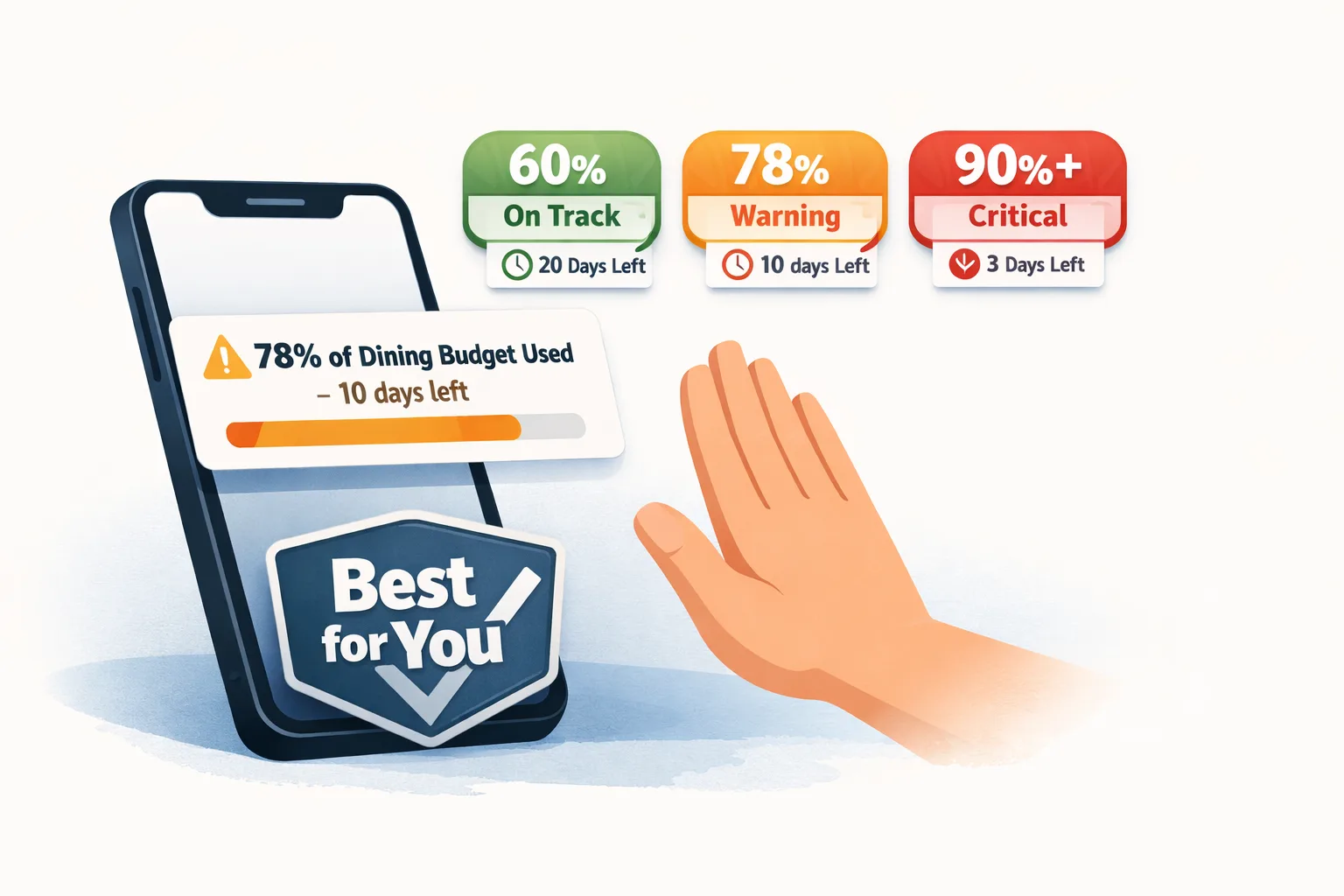
Yomio sends budget notifications when recorded monthly spending reaches 80% and 100% of the monthly limit. These alerts use the total monthly budget; they are not custom thresholds for each category and do not predict future spending. To use them, set a monthly budget, record your expenses, and enable budget alerts in notification settings.
What the Yomio alerts show
The 80% alert is a warning that recorded spending is approaching the limit. The 100% alert reports that the recorded total has reached or exceeded it. The app records expenses added to Yomio, so missing purchases can make the alert total incomplete. Yomio does not connect to bank accounts and does not import transactions from them.
The alert threshold is built into the product. You cannot set a different percentage or configure alerts for a single spending category. For steps to set a budget and review notifications, see the budget guide and current plan details.
Use alerts as one part of a review routine
- Choose a monthly limit you can explain. Base it on your income, essential costs, and goals rather than a generic percentage.
- Record purchases consistently. Capture receipts or enter expenses manually so your total is closer to your actual spending.
- Review the details when an alert arrives. Check the recorded expenses and identify any missing or unusual items.
- Adjust the plan when circumstances change. An alert is information; it does not tell you what spending to cut.
- Compare at month-end. Use the final records to decide whether next month’s budget should change.
A budget notification cannot prevent an overspend or guarantee that a target is realistic. It can prompt you to review the records while there may still be choices available.
Insight
Yomio uses built-in alerts at 80% and 100% of the monthly budget. If you want to review earlier, schedule a manual check at a point that fits your pay cycle and spending pattern; the app does not provide a custom 70% or category alert.
Warning
An alert reflects the expenses recorded in Yomio. If a receipt is missing or a purchase was not entered, the total may be incomplete; compare it with other records before changing your plan.
Tip
Set a monthly limit you can explain, then use the 80% notification as a prompt to review recorded expenses. Yomio does not send alerts for individual categories, so keep any category check in your own review routine.
Set your own spending alert thresholds
Enter amounts and choose alert percentages yourself. These settings are examples for your planning; they are not recommended thresholds.
Use the same currency for every amount. This tool does not convert currencies.
Choose a label for your personal setup
FAQs
Can I choose the alert percentage?
No. Yomio’s monthly budget notifications use built-in 80% and 100% thresholds.
Are alerts sent for each category?
No. They compare recorded spending with the overall monthly budget limit.
Does Yomio import bank transactions?
No. Add expenses through receipt capture or manual entry, then review the totals for missing records.
Do alerts guarantee I will stay within budget?
No. They report recorded spending at set thresholds. They cannot predict future purchases or account for expenses that were not added.
Set a monthly budget and review spending
Record expenses in Yomio and enable budget alerts to receive notifications at the product’s built-in thresholds.
Learn About Budgets