OCR Receipt Scanner API Comparison 2026
Compare receipt OCR APIs by documented fields, integration needs, language support, data handling, and how to evaluate them on your own receipts.

Yulia Lit
Consumer Psychology & Behavioral Economics Researcher
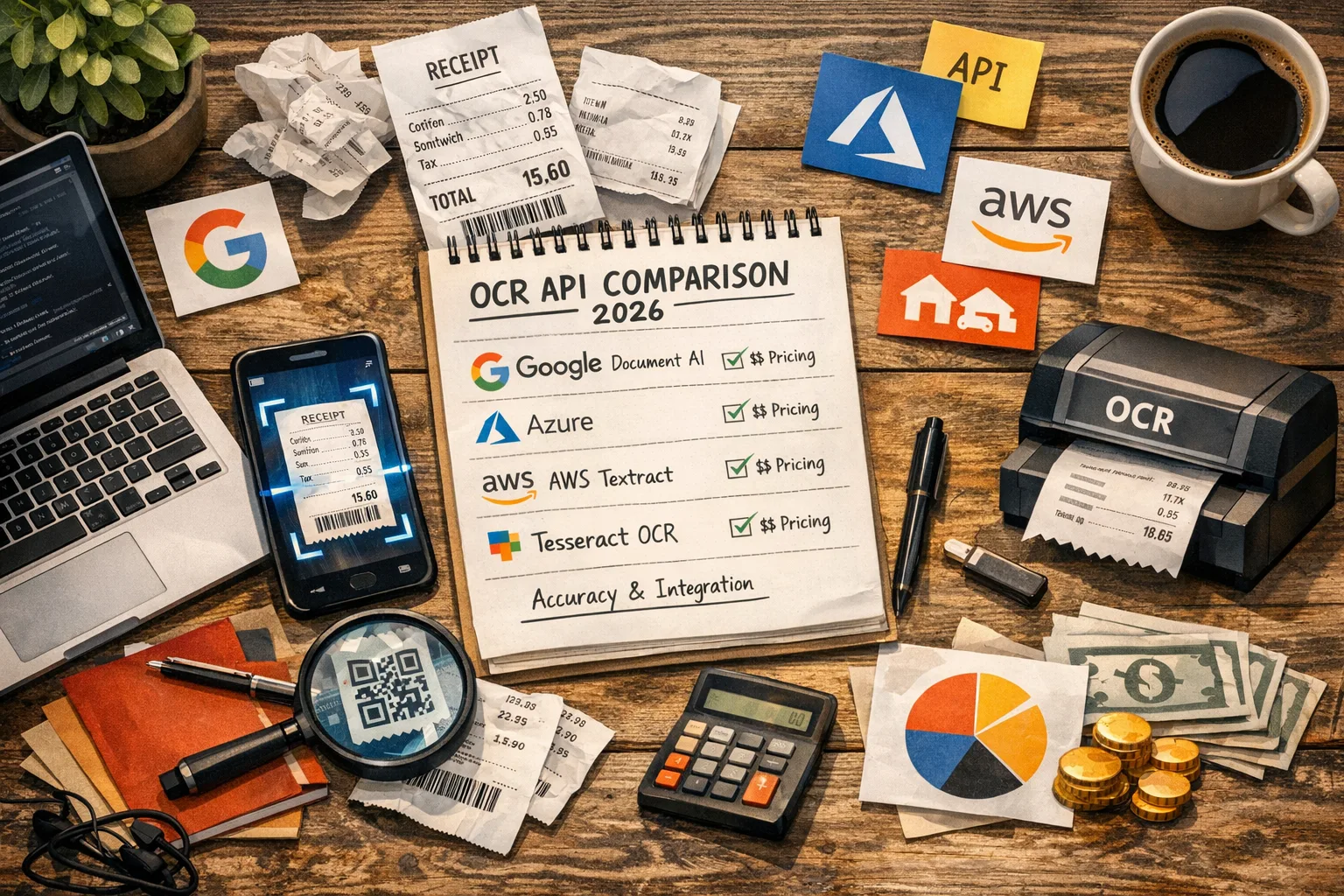
OCR Receipt Scanner API Comparison 2026
There is no single best receipt OCR API for every application. Choose a provider by the fields and languages you need, supported inputs, data-handling terms, integration requirements, and results on your own receipts. This guide summarizes vendor-documented capabilities; it does not rank accuracy because we have not run a controlled, same-receipt benchmark across these services. Prices, free tiers, model versions, and availability can change, so use each vendor's current documentation and pricing page before selecting a service.
Compare the documented options
| Option | What the vendor documents | Where to verify pricing and limits |
|---|---|---|
| Amazon Textract Analyze Expense | AWS returns receipt and invoice results in ExpenseDocuments, with summary fields and line-item groups. It offers synchronous and asynchronous workflows. | Textract pricing and Analyze Expense API |
| Google Document AI Expense Parser | Google's pretrained Expense Parser extracts structured information from expense documents, including expense date, supplier name, total amount, and currency. Supported languages depend on the processor version. | Document AI pricing and processor list |
| Azure Document Intelligence receipt model | Microsoft's prebuilt receipt model returns structured receipt fields. The current documentation describes supported model versions, input requirements, fields, and language support. | Document Intelligence pricing and receipt model documentation |
| Mindee Receipt OCR API | Mindee documents a dedicated receipt extraction API and usage-based plans measured in processed pages or credits. Review the current model details for its output schema and options. | Mindee pricing and Receipt OCR API |
| Tesseract OCR | Tesseract is an open-source OCR engine. It recognizes text, but you need to build or select separate logic to map that text to receipt fields such as merchant, tax, and line items. | Tesseract project and documentation |
The services do not return identical schemas or use identical billing units. For example, Google pricing defines a count as up to 10 pages for specialized processors, while other vendors price by page or plan credits. Translate each pricing unit into your expected document volume before comparing estimates.
API Comparison
OCR Receipt Scanner APIs — Head to Head
Compare accuracy, pricing, and capabilities of the top receipt OCR APIs in 2026.
AWS Textract
Highest AccuracyBest For: Production apps needing highest line-item accuracy on English receipts.
Google Document AI
Best Free TierBest For: Cost-sensitive apps and MVPs. Best permanent free tier at 1,000 pages/month.
Azure Document Intelligence
Best Multi-LanguageBest For: International receipts, multi-language support (Arabic, CJK, European).
Tesseract 5.x
Open SourceBest For: Custom pipelines, research projects, offline/air-gapped environments. Requires building your own field extraction.
Mindee
Fastest IntegrationBest For: Rapid prototyping and MVPs. Single REST endpoint, no cloud platform setup needed. Under 30 min to first extraction.
What to evaluate before you choose
Required fields and output schema
List every field your application needs: merchant, date, currency, total, tax, item description, quantity, unit price, and discounts are common examples. Then check the provider's documented schema and decide how your application will handle fields that are absent or ambiguous. Do not assume that an OCR API will return every field for every receipt.
Receipt and language coverage
Check input formats, size and page limits, model versions, and the provider's language support for the specific receipt processor you plan to use. “Supports OCR in a language” does not always mean a receipt model extracts structured fields in that language. Confirm the exact model and locale combination in the vendor documentation.
Data handling and deployment
Review where receipt images are processed and stored, retention defaults, available regions, access controls, and contractual terms. Receipt images can contain names, addresses, purchase details, and payment information, so your privacy and security review should cover the full request path, logs, retries, and any saved originals.
Integration and operations
Compare authentication, SDKs, synchronous and batch workflows, request limits, failure responses, and versioning. Plan for retries that do not create duplicate expenses, monitoring for failed jobs, and a way to correct extraction results. If your service handles high volumes, model the complete workflow, including image storage and human review, rather than API calls alone.
Total cost
Use the vendor's current pricing calculator or page for the deployment region and expected volume. Include model-specific charges, batch or add-on fees, free-tier conditions, currency conversion, storage, and review labor where they apply. Recheck prices before launch because public cloud rates and plan terms can change.
Run a useful receipt evaluation
- Collect a test set that represents the receipts your users submit, including clear images and difficult examples.
- Define the fields that must be correct and what counts as an acceptable result for each one.
- Run the same files through each candidate using the production model version and configuration.
- Compare field-level results against a human-verified reference, and record missing fields separately from incorrect values.
- Measure latency, error handling, correction time, and cost using the vendor's billing unit.
- Repeat the evaluation when you change model versions, image preprocessing, or extraction rules.
Avoid quoting an “accuracy” score without its test set, field definition, denominator, and evaluation method. A character recognition score, exact-total match rate, and line-item match rate describe different outcomes.
Build validation into the workflow
Treat extracted values as suggestions that need suitable checks, not as a verified record by default. Useful checks include valid dates and currency codes, required-field checks, and comparisons between the receipt total and available line-item amounts. Totals may differ because of tax, discounts, deposits, tips, or other receipt rules, so flag inconsistencies for review instead of silently changing values.
Keep a path for the user or reviewer to inspect the original receipt and correct the parsed fields. Store only the data you need, restrict access to receipt images, and follow your organization's retention policy and applicable law.
Which option may fit your project?
- Consider a managed receipt model when you need a vendor-maintained schema and do not want to build field extraction from raw text.
- Consider an OCR engine such as Tesseract when self-hosting or open-source control matters and you have the engineering capacity to implement receipt extraction, validation, and maintenance.
- Compare cloud providers directly when your organization already uses one of their platforms, but confirm the exact processor fields, region availability, and cost for your receipt types.
- Evaluate a specialist API when its documented receipt workflow or integration model fits your needs; test its current output and commercial terms before committing.
These are starting points for an evaluation, not performance rankings. Select the service that meets your requirements in a representative test and security review.
Information
Yomio uses Azure Document Intelligence's prebuilt receipt model and parses its response into expense fields. We have not published a controlled benchmark that compares its extraction accuracy with other APIs. See Microsoft's receipt model documentation for its documented fields, then test your own representative receipts.
Tip
Language support can vary by model and version. Check the provider's support list for the exact receipt model you plan to use, then evaluate structured fields on receipts from your users. Microsoft publishes its current prebuilt model language support. General text recognition support does not guarantee the same quality for structured receipt fields.
Warning
Tesseract is an OCR engine, so a receipt application still needs logic to map recognized text to fields such as merchant, date, tax, and line items. Compare the integration and maintenance work with managed receipt APIs using your own requirements and sample data. See the Tesseract project documentation for its OCR engine and available language data.
Information
Include API charges, image storage, engineering and maintenance, monitoring, and time spent reviewing corrections. Estimate each item using your expected volume and workload; there is no universal setup-time or cost threshold.
Track expenses from receipt details
Yomio scans receipts and turns recognized details into expense records you can review.
Download YomioFrequently asked questions
Which receipt OCR API is most accurate?
There is no reliable universal ranking without a defined test set and metric. Run the same representative receipts through the candidate model versions, verify each required field, and compare the results.
Is Tesseract enough for receipt processing?
Tesseract can recognize text, but a receipt application also needs to identify and validate fields such as totals, taxes, and line items. You must build or integrate that structured extraction layer yourself.
Can I use more than one OCR provider?
Yes, if your architecture can manage separate schemas, costs, latency, retention rules, and failure behavior. Use a measured need to justify a fallback or second pass, and make sure duplicate requests cannot create duplicate records.
How should I compare API prices?
Use current vendor pricing for your region and convert each billing unit to the expected volume. Include storage, supporting cloud services, and any human review required by your workflow.
Do receipt APIs extract every line item?
Do not assume that they do. Check the provider's field documentation and measure missing or incorrect items in your own evaluation set.
More from Yomio

OCR Receipt Scanner: How to Digitize Receipts
Compare receipt scanning workflows and what to review after a scan.

How OCR Receipt Scanning Works
Understand the path from receipt image to reviewed expense record.
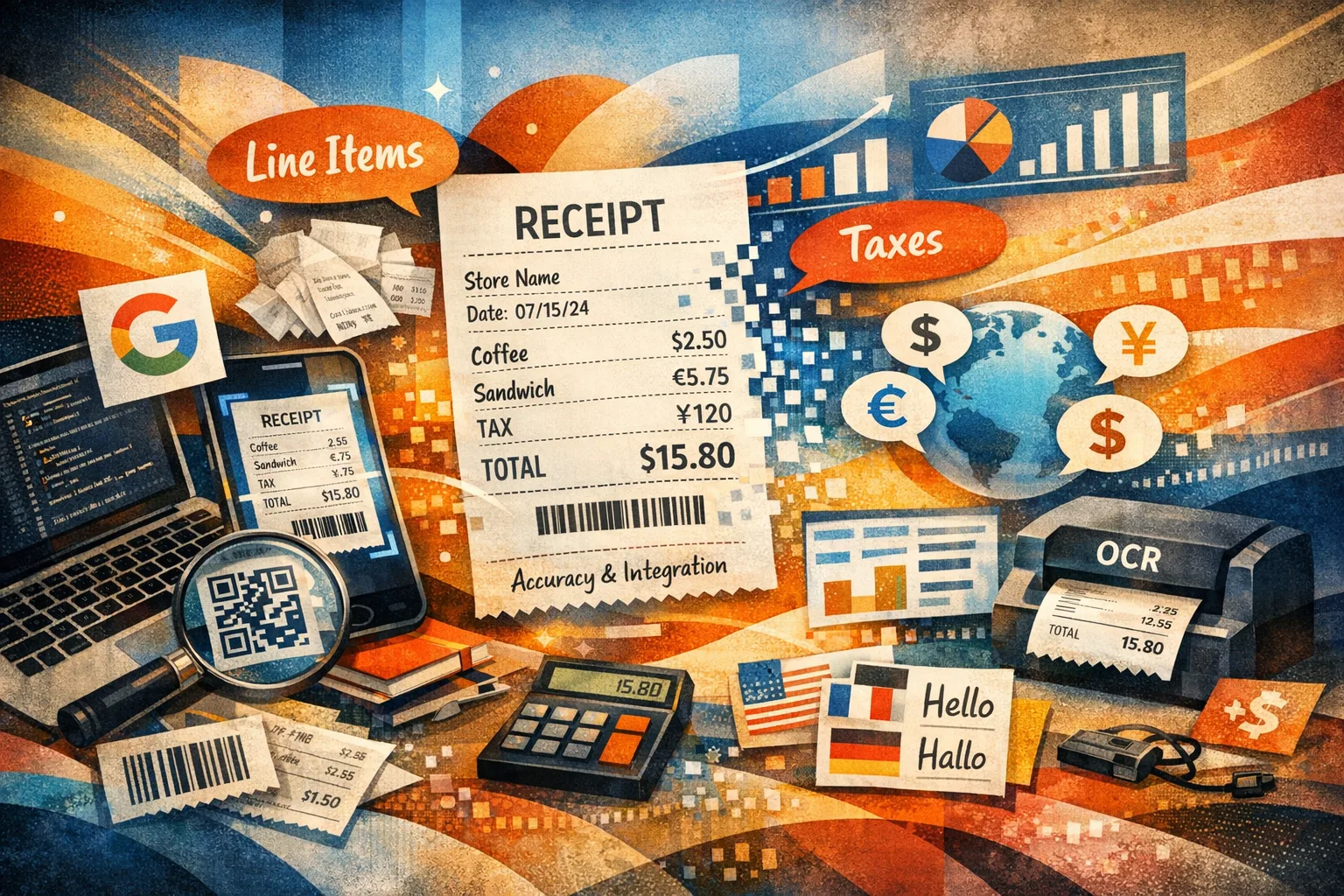
OCR Receipt Data Extraction: What Can Actually Be Captured
Learn which receipt fields may be extracted and where results need review.
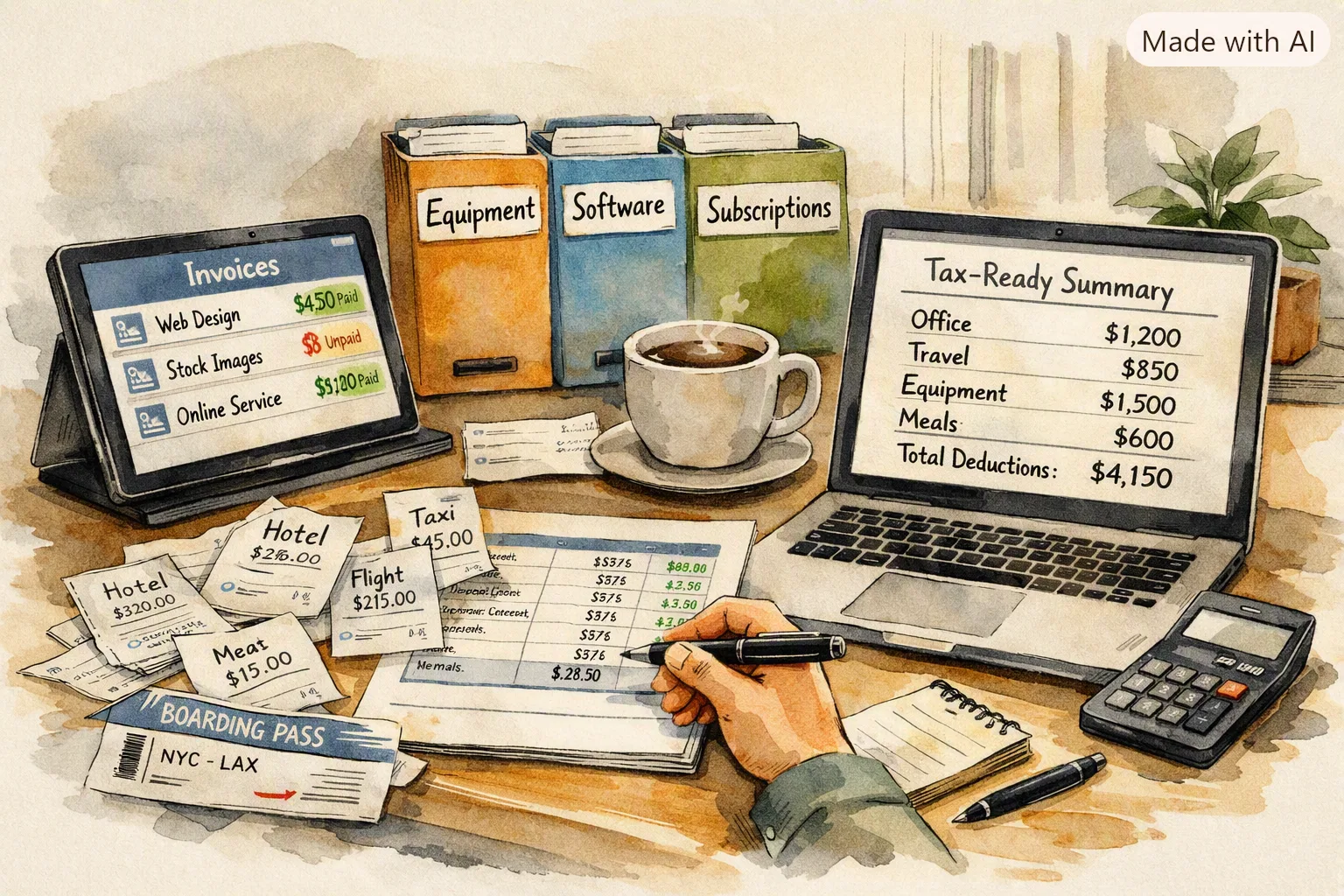
How to Track Business Expenses as a Freelancer
Put receipt scanning APIs to practical use with a freelancer expense workflow.