Subscription Fatigue in 2026: The Hidden $300/Month Leak You're Probably Ignoring
Discover how to find forgotten subscriptions costing you hundreds yearly and cancel them in one weekend. Simple audit steps, no guilt, real money saved.

Yulia Lit
Consumer Psychology & Behavioral Economics Researcher
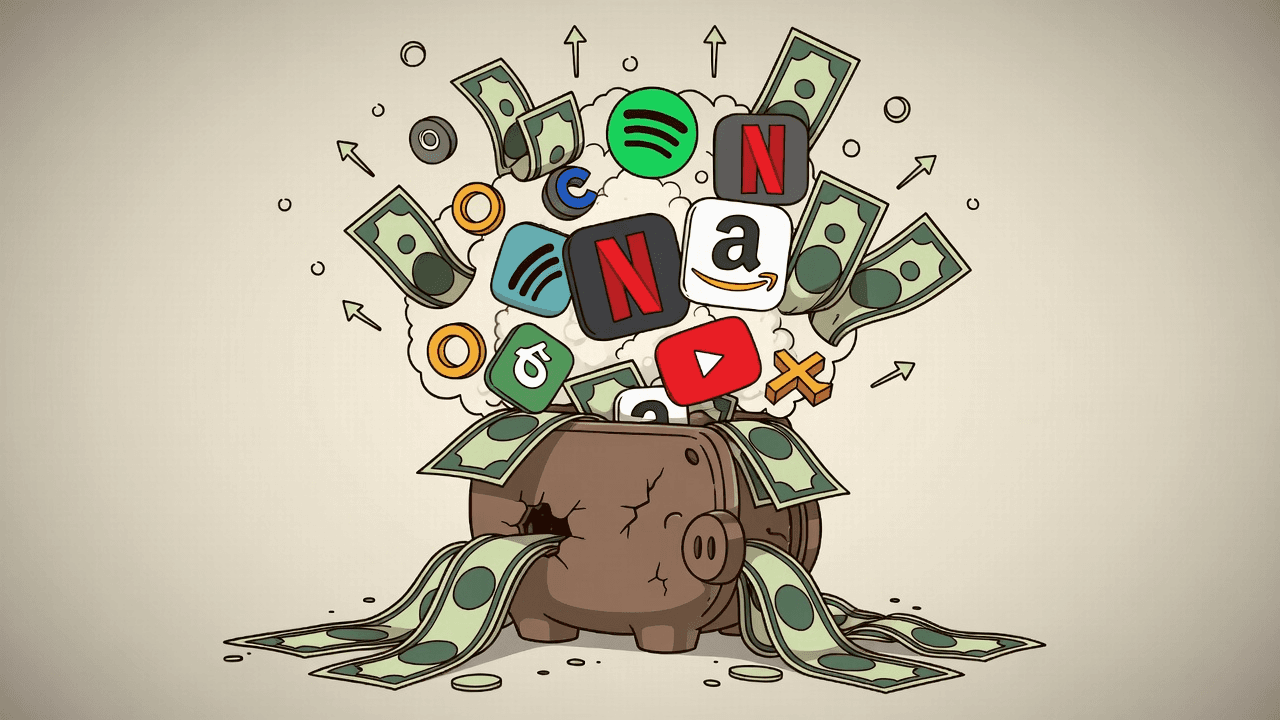
Subscription Fatigue in 2026: The Hidden $300/Month Leak You're Probably Ignoring
You open your banking app and see the usual suspects: Netflix, Spotify, Amazon Prime, maybe a gym app or two.
But hidden somewhere in that digital pile? Probably 3–5 charges you haven't thought about in months.
In 2026, the average American spends $90–$101 per month on subscriptions — yet wastes an extra $17 per month ($204 per year) on services they never use or completely forgot about.
Gen Z is feeling it the hardest: 56% have three or more streaming services, 37% have already canceled one this year due to fatigue, and another 29% plan to soon. Only 13% feel no fatigue at all.
This is subscription fatigue — and it's quietly draining $200–$400 from most people's monthly budget without them even noticing.
The good news? You can find every forgotten charge and kill it in one weekend — no apps, no paid tools, no guilt.
Related: Just like Buy Now, Pay Later services can stack up without you noticing, subscriptions create the same "invisible debt" problem — except they auto-renew forever.
Warning
Most people underestimate their real subscription spending by 2–3×. What feels like $30/month is often $80–$120.
Why 2026 Is the Breaking Point
Several forces are colliding to make subscription fatigue worse than ever:
- Streaming prices alone jumped $22 in the last year for many households (now ~$70/month just for video)
- 61% of subscribers are rethinking their subscriptions because of economy concerns
- Companies keep auto-renewing trials, bundling quietly, and making cancellation deliberately annoying
- In-app purchases hide in app stores, away from your main statement view
The result? Most of us are flying blind — paying for things we can't even remember signing up for.
The One-Weekend Audit (Takes 2–4 Hours Total)
This simple 4-step process takes maybe 2–4 hours total and usually finds $50–$150/month in waste. Here's exactly how:
Step 1: Pull Your Last 3 Months of Statements (30 minutes)
Log into:
- Your bank app
- All credit cards
- PayPal
- Apple Pay
- Google Pay
Look for the "recurring charges" or "subscriptions" tab (most banks have one now). Search or filter for anything that shows up monthly or quarterly.
Pro tip: Screenshot or copy-paste recurring charges into a simple Google Sheet with these columns:
- Service Name
- Amount
- Last Used?
- Keep or Cancel?
Step 2: Search Your Email for Hidden Charges (20–40 minutes)
Search your email (Gmail, Outlook, Yahoo, etc.) for these exact phrases:
- "receipt" + your name
- "subscription confirmation"
- "your subscription renews"
- "thank you for subscribing"
- "trial ending"
You'll be shocked how many 2019–2024 sign-ups still ping your inbox every month.
Information
Many people find $30–$50/month just from forgotten free trials and old seasonal subscriptions they signed up for "just once."
Step 3: Check the Two Big App Stores (15 minutes)
This catches every in-app purchase you made while half-asleep:
iPhone/iPad:
- Settings → [Your Name] → Subscriptions
Android:
- Google Play → Payments & subscriptions → Subscriptions
Step 4: The 3-Question Gut Check (for each subscription)
Ask yourself honestly about each one:
- Have I used this in the last 30 days?
- Would I sign up for it again today at full price?
- Is the monthly cost worth it compared to free alternatives?
If you answer "no" to two or more → cancel. No guilt. You're not "quitting" something; you're simply stopping payment for something you don't use.
🗂️ Subscription Audit Checklist
Complete these 4 steps to find hidden subscription charges
0 of 4 completed
Success
You don't owe any company your loyalty if you're not using the service. Canceling is the financially smart move.
How to Actually Cancel (Without the Runaround)
Most services now have a direct cancel link in your account settings. If you need help:
Streaming services (Netflix, Disney+, Hulu, Max, Paramount+, Apple TV+):
- All have one-click cancel in account settings
Other biggies:
- Amazon Prime → Amazon account → Memberships & Subscriptions
- Spotify, YouTube Premium, Apple Music → Account settings → Subscriptions
- Gyms, meal kits, software → Usually under "Billing" or "Manage subscription"
Still stuck?
- Google "[service name] cancel subscription 2026"
- The top result is almost always the official cancellation page
Save every cancellation confirmation email. Some companies will try to "save" you with holdback offers or discounts. You can ignore these unless the new price genuinely interests you.
Make Sure They're Really Gone
- Check your bank statement in 30 days to confirm the charge is gone
- Set a recurring calendar reminder every 6 months: "Subscription audit weekend"
- This keeps the leak plugged long-term
How to Stop the Leak Forever (Without Becoming Extreme)
Once you've cleaned house, try these tricks to avoid accumulating dead weight again:
- Use virtual credit card numbers (Apple Card, Privacy.com, Capital One Eno) for free trials — they auto-expire
- Never say yes to a free trial unless you set a phone reminder for the day before it ends
- Rotate streaming services: Keep only 2–3 at a time. Cancel one, wait 3 months, add another
- Bundle intelligently: Only use bundles (Apple One, Amazon Prime Video channels) if they actually save money vs. subscribing separately
💰 Subscription Savings Calculator
How much will you save per month by canceling unused subscriptions?
Your New Numbers After One Weekend
Here's what most people find when they actually do this:
Before the audit:
- Average monthly spend: $90–$101
- Wasted spend: $17/month
- Total yearly waste: $204+
After the audit:
- Clean subscriptions only
- Save: $50–$150/month
- Total yearly savings: $600–$1,800
That's a vacation, a new laptop, or a year of something you actually use instead of paying for convenience you forgot about.
Warning
You don't need another budgeting app. You don't need to feel deprived. You just needed to look at what you're actually paying for.
Do the Audit This Weekend
Pick a Saturday morning, grab a cup of coffee, and spend 2–4 hours on this.
Check your statements. Search your email. Tap into those app stores. Ask yourself the hard questions.
Then watch your bank statement get cleaner next month.
You'll thank yourself when you see that first statement without the clutter — and with $50–$150 more to spend on things you actually want.
Ready to take control of your hidden spending? Download Yomio to see all your charges categorized and organized in one place, making it easy to spot subscriptions and other recurring expenses at a glance.
Related reading



Take Control of Your Spending Today
Yulia Lit is a behavioral economics researcher and digital choice architecture specialist with expertise in consumer psychology and financial decision-making. Her research focuses on how subscription design, hidden charges, and friction patterns influence purchasing behavior and long-term financial health.