Monthly Spending Review: A Practical Checklist
Use a monthly spending review to compare records, check recurring charges, note changes, and choose any follow-up actions that fit your budget.

Yulia Lit
Consumer Psychology & Behavioral Economics Researcher
Monthly Spending Review: A Practical Checklist
A monthly spending review can help you compare recent records, find missing information, check recurring costs, and decide whether your plan needs to change. It does not predict savings or require a specific target; use the process that fits your finances and the records you have. The CFPB's Your Money, Your Goals toolkit includes practical tools for tracking income, bills, and spending.
Before you start
Choose the records you want to review, such as statements, receipts, cash notes, or a budgeting app. The sources may not cover the same transactions, so note gaps instead of treating an incomplete total as complete spending.
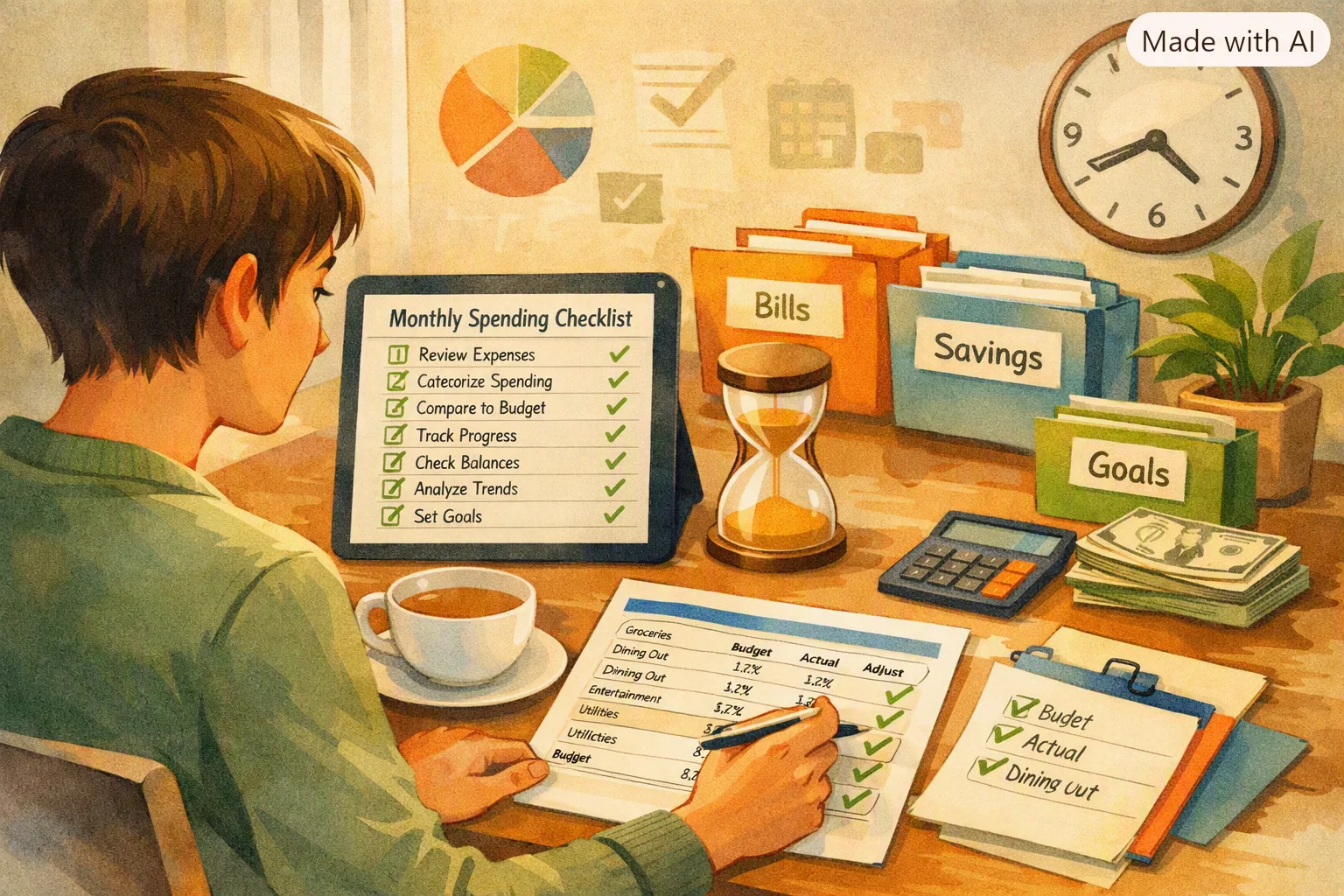
Monthly spending review checklist
Monthly Review Tool
Your Monthly Spending Review
Use the checklist as a prompt, not a rule that every household must follow. You can skip a step that does not fit your situation or add a review for a category that matters to you.
Review the changes that matter
Compare totals carefully
Compare the same time period and the same data sources. Look for transfers, refunds, credit-card payments, and one-time purchases that can make totals difficult to compare.
Check categories and merchants
Group records in a way that is useful to you. A category or merchant total may be incomplete if cash purchases, shared costs, or transactions from another account are missing.
Review recurring payments
Use statements or account records to identify recurring payments. Before canceling a subscription, check its terms, renewal date, and whether another household member uses it.
Look at income and savings goals
If you track income and savings, calculate them from the same period and use a consistent definition of spending. A single monthly result does not show whether a savings rate is suitable for your situation.
Choose a follow-up action
You might correct a record, check a bill, discuss a shared expense, or adjust a plan for the next period. You do not need to reduce a category just because it increased.
Keep the records accurate
Review extracted receipt details before saving them, and correct missing or incorrect amounts, dates, or merchants. If a tool imports bank transactions, check the connection and imported records; if you use receipt tracking, remember that unscanned receipts will not appear automatically.
Yomio can scan receipts and support manual expense entry, but it does not connect to bank accounts or automatically import bank transactions. Use it for the expense records you add, then compare those records with any statements or other sources needed for a full review.
Make your monthly spending review easier to document
Capture receipts and enter expenses manually, then review the records alongside your own monthly plan and account statements.
Explore YomioCommon questions
What if my income changes from month to month? Review income and spending over periods that help you plan, and record one-time changes separately. For general cash-flow planning, see the CFPB's toolkit linked above.
Should couples review spending together? If finances are shared, agree which records to review and who will update them. The CFPB's guide for couples preparing to manage finances suggests sharing key account, bill, and income information so both partners can understand the household finances.
Can Yomio prepare a complete monthly review automatically? No. Yomio can store receipt-based and manually entered expense records, but it does not synchronize bank transactions or produce the eight-point dashboard described in older versions of this guide. Check other records if you need a complete view of household spending.